Travel Story
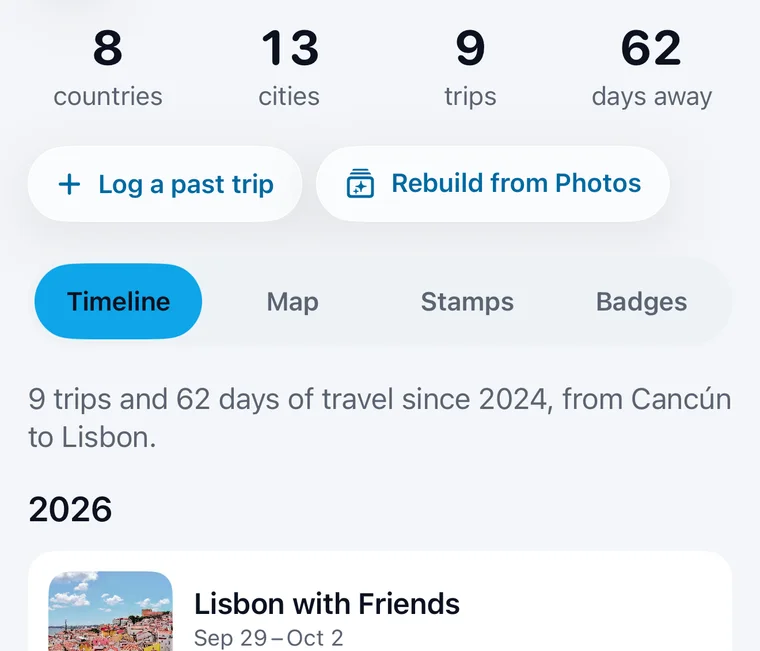
Every trip adds up: countries, cities, and days away, on a timeline, a map, and a page of stamps. Past trips can be logged or rebuilt from your photos.
Jurni 2.0 for iPhone
Flights, stays, plans, money, votes, and passes, for everyone going. Private by default, and ready at the gate with no signal.

Free, with no ads
01Import
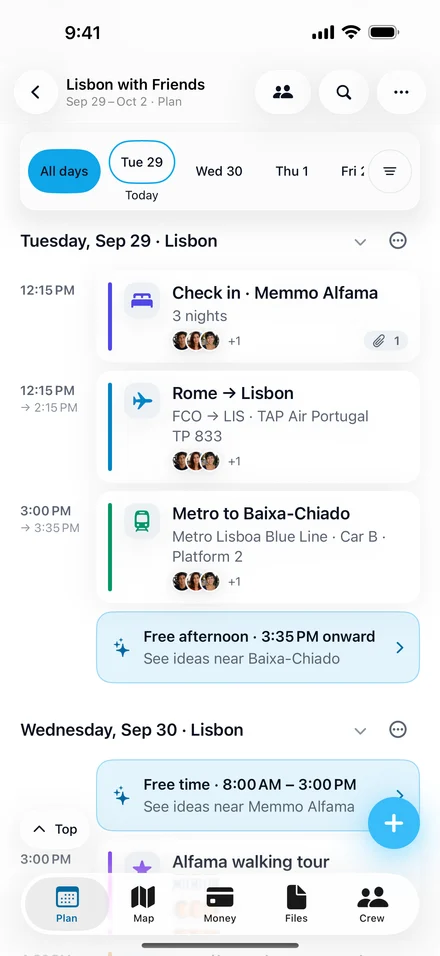
Send Jurni a booking email, a PDF, or a screenshot. It reads it on your iPhone, you check what it found, and the flight lands in your plan.
02Decide
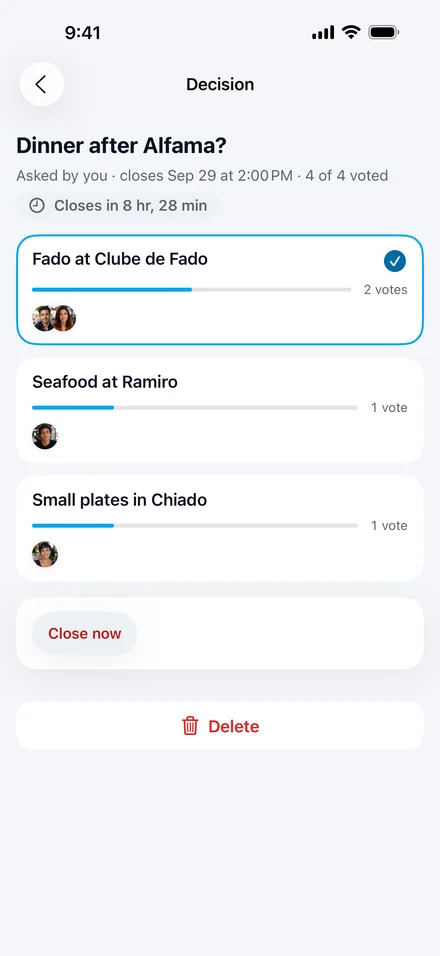
Ask a question, add the options, and set when it closes. Everyone taps a choice and can change their mind until then.
03Split
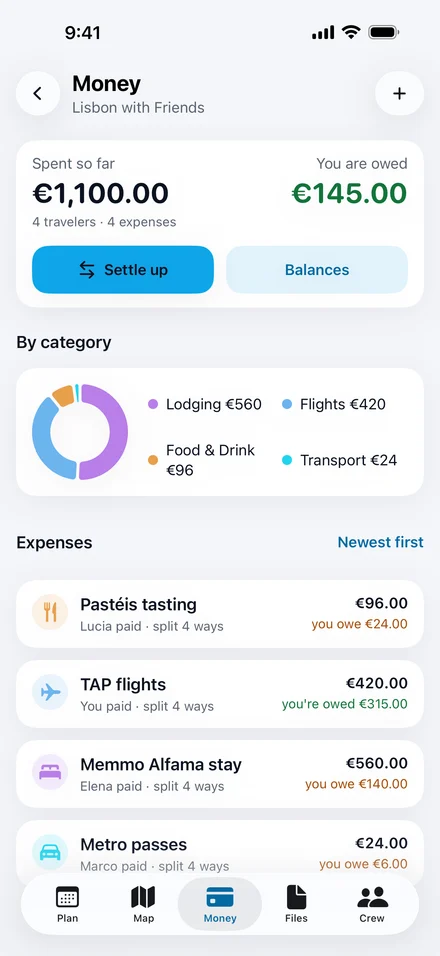
Log who paid and who it’s split between. Jurni keeps the balances, so settling up at the end is simple.
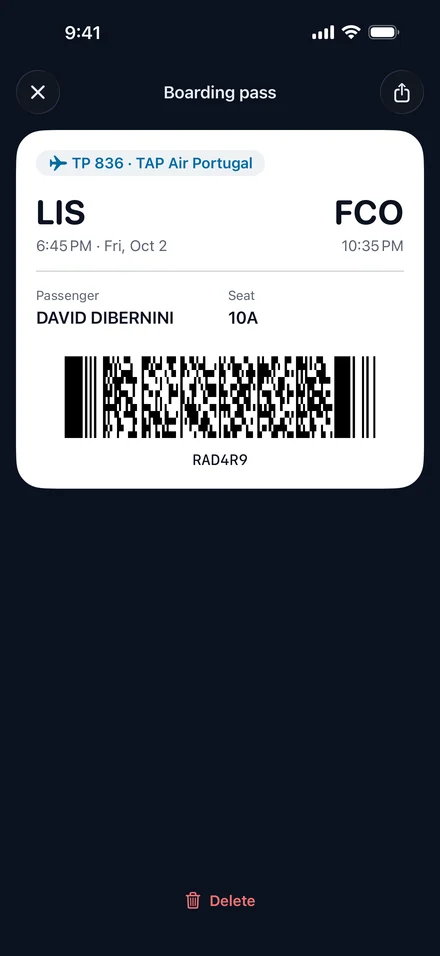
04Board
Boarding passes, tickets, and confirmations live with the trip on your iPhone, so they open even with no signal.
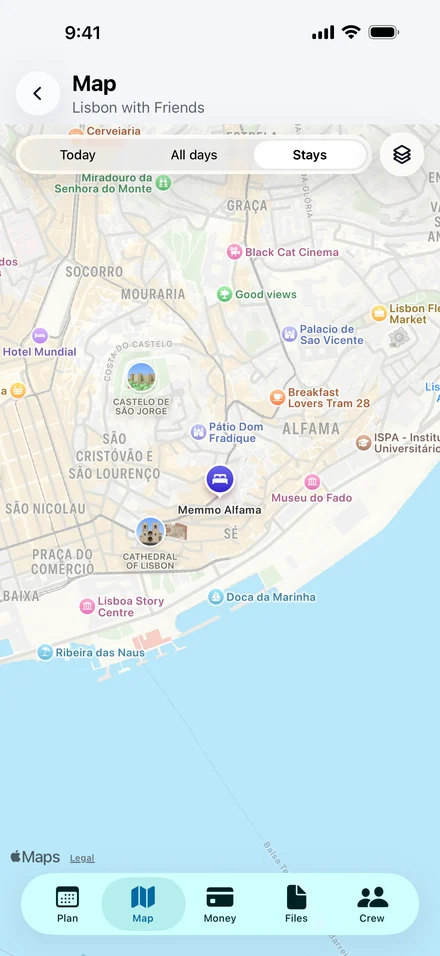
05Map
See the whole trip or one day at a time, with every stay, reservation, and place you want to see.
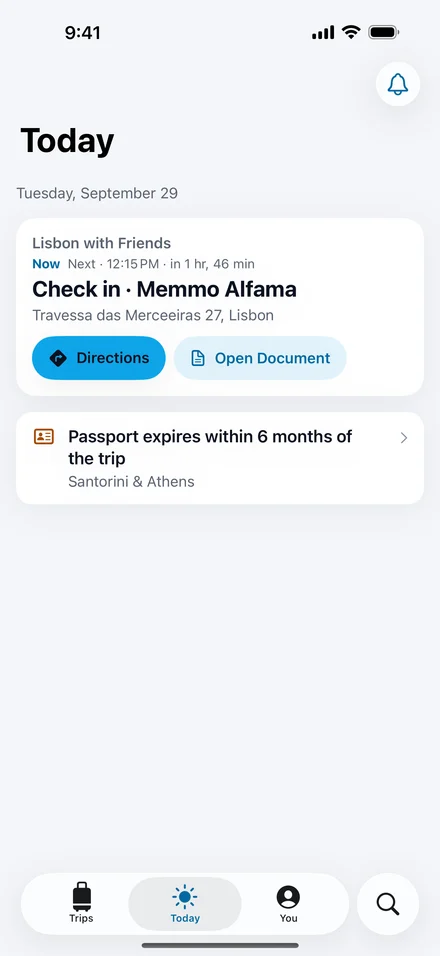
06Today
Today shows what’s next and when, with directions and your confirmation one tap away.
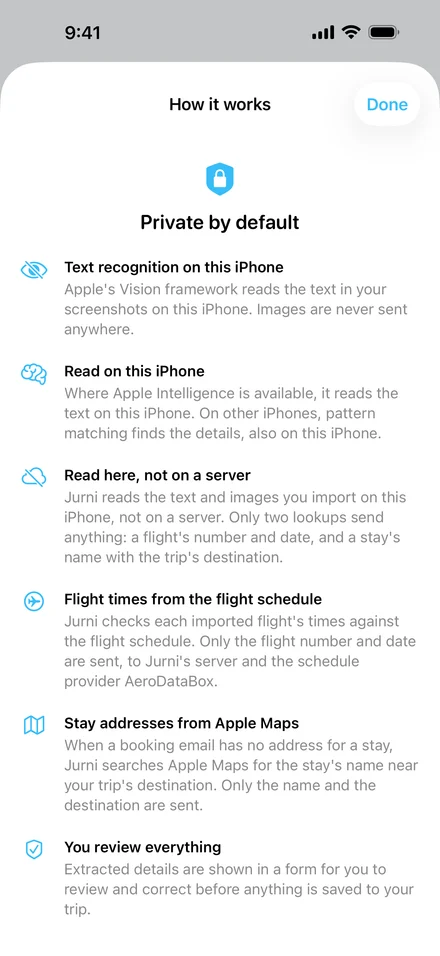
Private by default
Jurni is built so the trip stays between the people on it. No ads, and nothing about your trip to sell.
Plans, money, files, and the trip’s photos are encrypted on your iPhone before they sync. Only the people you approve can open them. Not even I can read them.
Smart Import reads emails, PDFs, and screenshots on the device, and you check everything it found before it’s saved.
Passport and traveler numbers stay on this iPhone, behind Face ID, Touch ID, or your passcode.
Some features use outside services, and Jurni sends them only what they need: a flight’s number and date to check its schedule, a place’s name or address to Apple Maps, a destination’s name to find photos of it. Travel time estimates and Apple’s Private Cloud Compute stay off until you turn them on.
The Privacy Policy lists every service Jurni uses and exactly what it sends.
For everyone going
Share a link or show it as a code. You approve each person before they see the trip. Then everyone looks at the same plan, votes on the same questions, and splits the same bills.
Going alone? Jurni works for one person first. Invite people only when the trip needs them.
Invites people and approves who joins.
Adds and edits the plan.
Sees the trip and votes.
Also in 2.0
Send a booking email, PDF, or screenshot from another app’s share sheet straight into Jurni.
Tight connections, overlaps, and nights without a stay are flagged before you go.
Jurni warns you when a passport expires within six months of a trip.
Smart Trip Ideas suggests places for the open hours in your days.
Everything on your iPhone works with no signal and syncs when you’re back.
The next thing on your trip, right on your Home Screen.
Loyalty programs and passport details, kept with your profile.
From English and Spanish to Arabic, Japanese, and Korean.
After the trip
Every trip adds up: countries, cities, and days away, on a timeline, a map, and a page of stamps. Past trips can be logged or rebuilt from your photos.
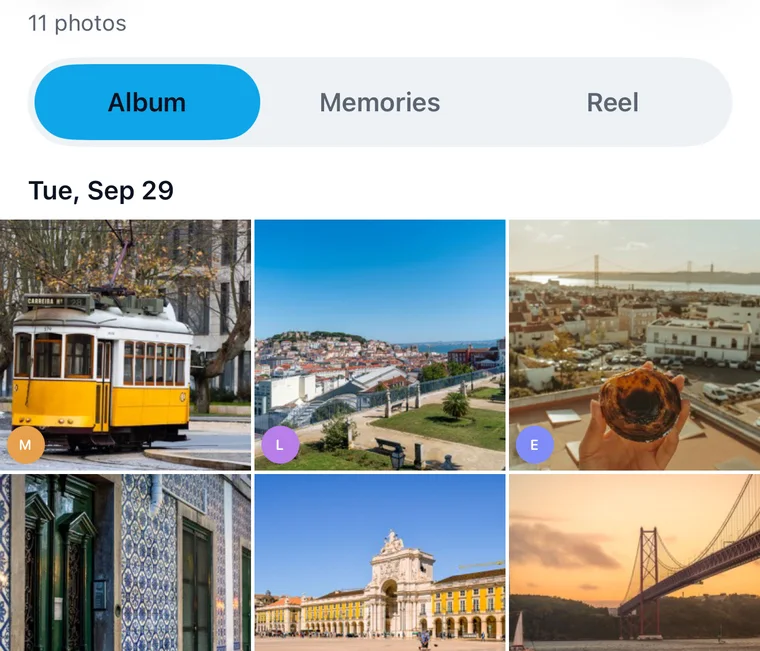
Photos added to a trip are shared with everyone on it, encrypted before they leave your iPhone. Pick three or more and Jurni makes a Trip Reel.
Why I built Jurni
“The hard part was managing everything at once: the emails, the group chats, who paid who, and what we were doing next.”
I built Jurni after planning a multi-city trip through Spain with about twelve family members. Bookings were spread across everyone’s email, plans changed in more than one group chat, and nobody could say who had paid for what or what we were doing next.
So I built the app I wished we’d had: one private place for the plan, the documents, the money, and the decisions. It works for one person and holds up for the whole family. No ads, and no data to hand over.
Dalvis, Borrowed Fire
Questions
Yes. Jurni is free to download and use, with no ads.
No. Jurni works for one person first. Invite others when the trip needs them.
A new design, a Today tab for travel day, one add button for scanning and importing bookings, decisions with deadlines, Money with settle-up, an encrypted photo album shared with the trip, Travel Story, and roles for everyone on a trip.
Yes. Trip content is end-to-end encrypted, so only approved members can open it. Smart Import reads on your iPhone, and passport and traveler numbers stay on your device behind Face ID, Touch ID, or your passcode.
Yes. Your trips live on your iPhone, so plans, passes, and confirmations open with no signal. Changes sync when you’re back online.

Free on iPhone, with no ads. Requires iOS 26 or later.